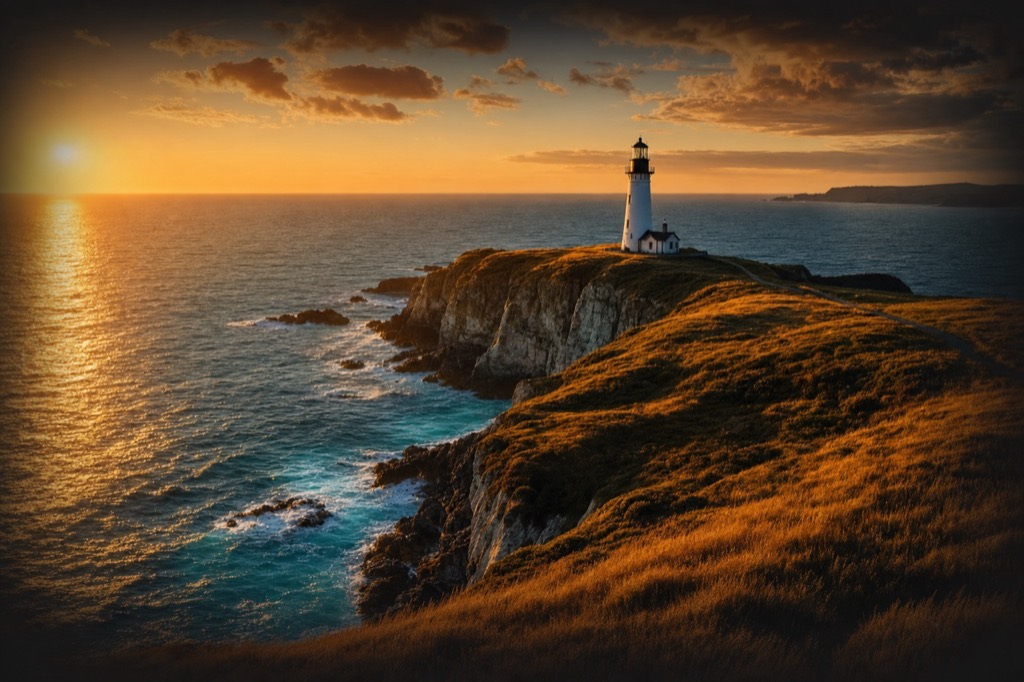
City Rise Reveal
Aerial / DroneSeedance 2.0 Pro1080p16:910snative audio
 VIBVIDrunning
 Seedance 2.0
A real render from the recipe on this page — nothing staged, no post-production.
The format
- Video model
- Seedance 2.0 Pro
- Quality
- 1080p
- Aspect
- 16:9
- Length
- 10s
- Audio
- Native audio
The exact prompt
123-character shooting script
Checking your access…
Recreate it with your product
Copy this recipe straight into the VIBVID Studio: the prompt, aspect, length, quality tier and audio preset themselves — tweak anything, then render your take.
The prompt is yours free — rendering in the Studio uses plan credits (from $19/mo).
…or use it anywhere
The unlocked prompt plus the reference image work in any Seedance-powered tool — copy them and shoot wherever you like. VIBVID just makes it one click.
How to use the Aerial / Drone
- 1Copy an example, or pick your reveal — what should the frame discover as the drone moves?
- 2Name the maneuver: rise-and-reveal, coastline chase, orbit, top-down descent. One maneuver per clip.
- 3Set the hour — dawn mist, dusk neon, hard noon shadows. Aerials are all about the light on the landscape.
- 4Go wide: 21:9 or 16:9, and render on Pro or 4K — altitude needs pixels.
More from the Aerial / Drone style