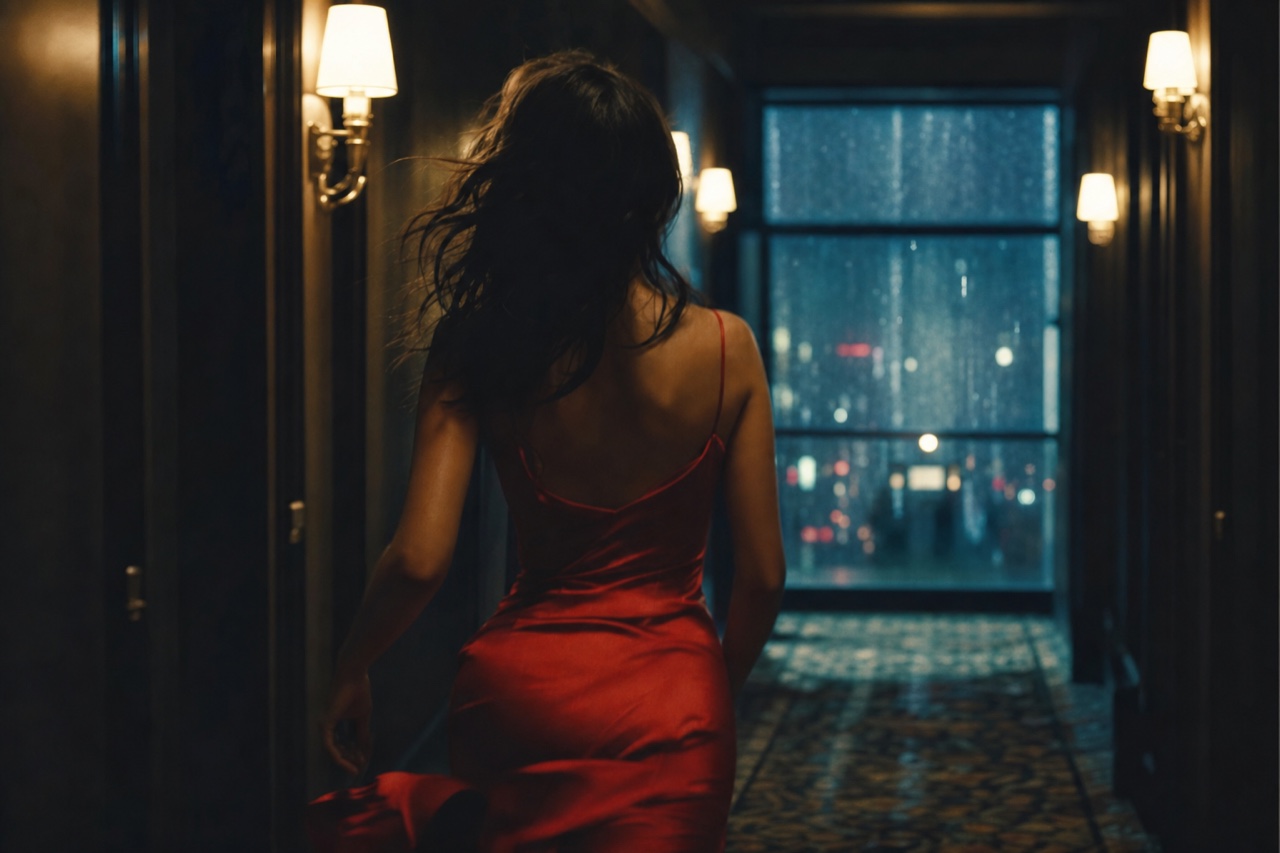
Golden Hour Farewell
Cinematic FilmSeedance 2.0 Pro1080p16:910snative audio
 VIBVIDrunning
 Seedance 2.0
Copy the recipe and this scene renders in the Studio — prompt and settings included.
The format
- Video model
- Seedance 2.0 Pro
- Quality
- 1080p
- Aspect
- 16:9
- Length
- 10s
- Audio
- Native audio
The exact prompt
784-character shooting script
Checking your access…
Recreate it with your product
Copy this recipe straight into the VIBVID Studio: the prompt, aspect, length, quality tier and audio preset themselves — tweak anything, then render your take.
The prompt is yours free — rendering in the Studio uses plan credits (from $19/mo).
…or use it anywhere
The unlocked prompt plus the reference image work in any Seedance-powered tool — copy them and shoot wherever you like. VIBVID just makes it one click.
How to use the Cinematic Film
- 1Copy an example below, or describe one scene of your own — one subject, one camera move, one light source is the cinematic sweet spot.
- 2Name the camera move explicitly (slow push-in, tracking shot, crane rise) — the model follows direction better than adjectives.
- 3Set the mood with light: golden hour, neon reflections, volumetric haze. Light is what reads as 'cinema'.
- 4Draft on Mini to find the shot, then render on Pro or 4K — this style lives on resolution.
More from the Cinematic Film style